
Black Friday Sale · 35% off all plugins · ends soon
Slice Remap
Switch your Advanced Output slice layouts live, mid-show, with a single button. Advanced Output keeps one preset loaded from start to finish, because every layout change happens inside the plugin.
Slice Remap is an effect, so you can put it on any clip, layer or group. You are not limited to applying it to the whole composition, the way an Advanced Output preset works. Different layouts can run side by side on the same stage.
Two modes:
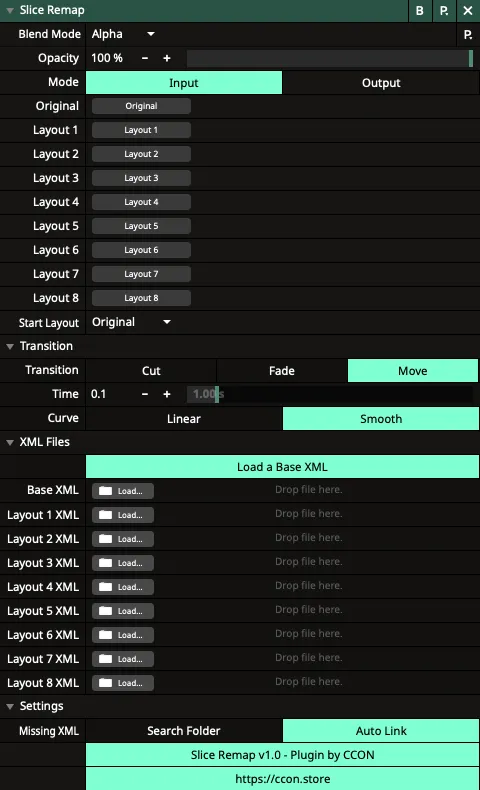
- Input: each slice reads its picture from a different area of the composition. Swap screens or fix content that was rendered wrong, without re-rendering.
- Output: each slice’s picture moves, scales and rotates to a new position together with its LED cell. Arrange the slices the way they sit on stage and you instantly have a stage preview, to check your content or send to a client for approval.
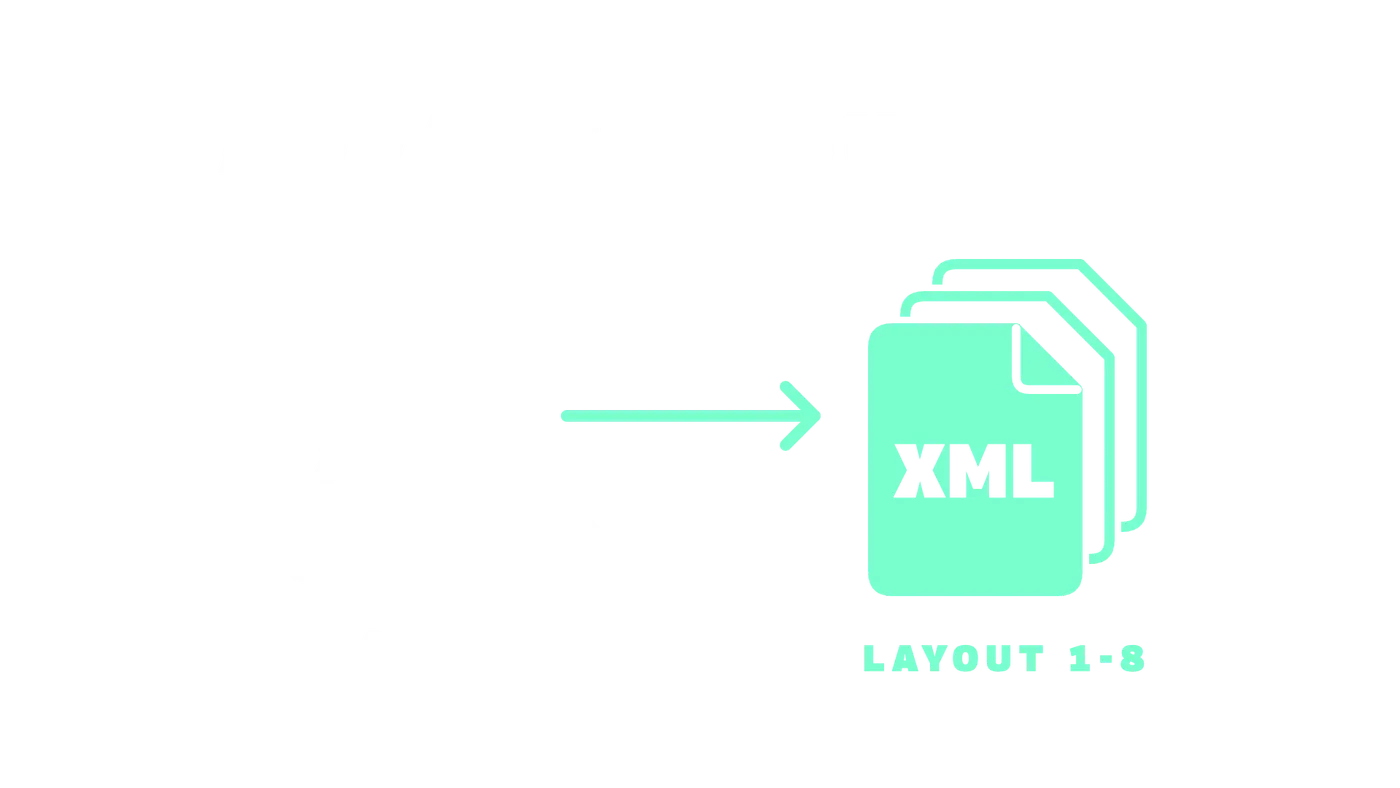
You build layouts in Advanced Output itself: open the preset you are using, drag the slices to their new positions and Save As a new preset. Load that file into the plugin and it is ready.
- 8 layouts loaded from preset XML files, mappable to MIDI/OSC
- Cut, Fade and Move transitions with adjustable time and curve
- Start Layout: choose the layout shown when the composition opens
- Reloads automatically when an XML file is saved, and finds missing XML files on its own
Resolume Arena 7+
Lifetime License
- Enter your license key once, use it forever
- One license key works on up to 3 computers at the same time
- Flexible Activate and Deactivate
- Free updates for new features & presets
Buy Slice Remap-35%
Buy on Juicebar
- No license key required
- Managed in the Juicebar app and your Juicebar account
- Limited to a maximum of 2 computers at the same time

Trial Version
- All features unlocked
- Includes watermark
- Enter your license key at any time and use it right away